Compress Images Online for Free: 100% Browser-Based, No Upload Required
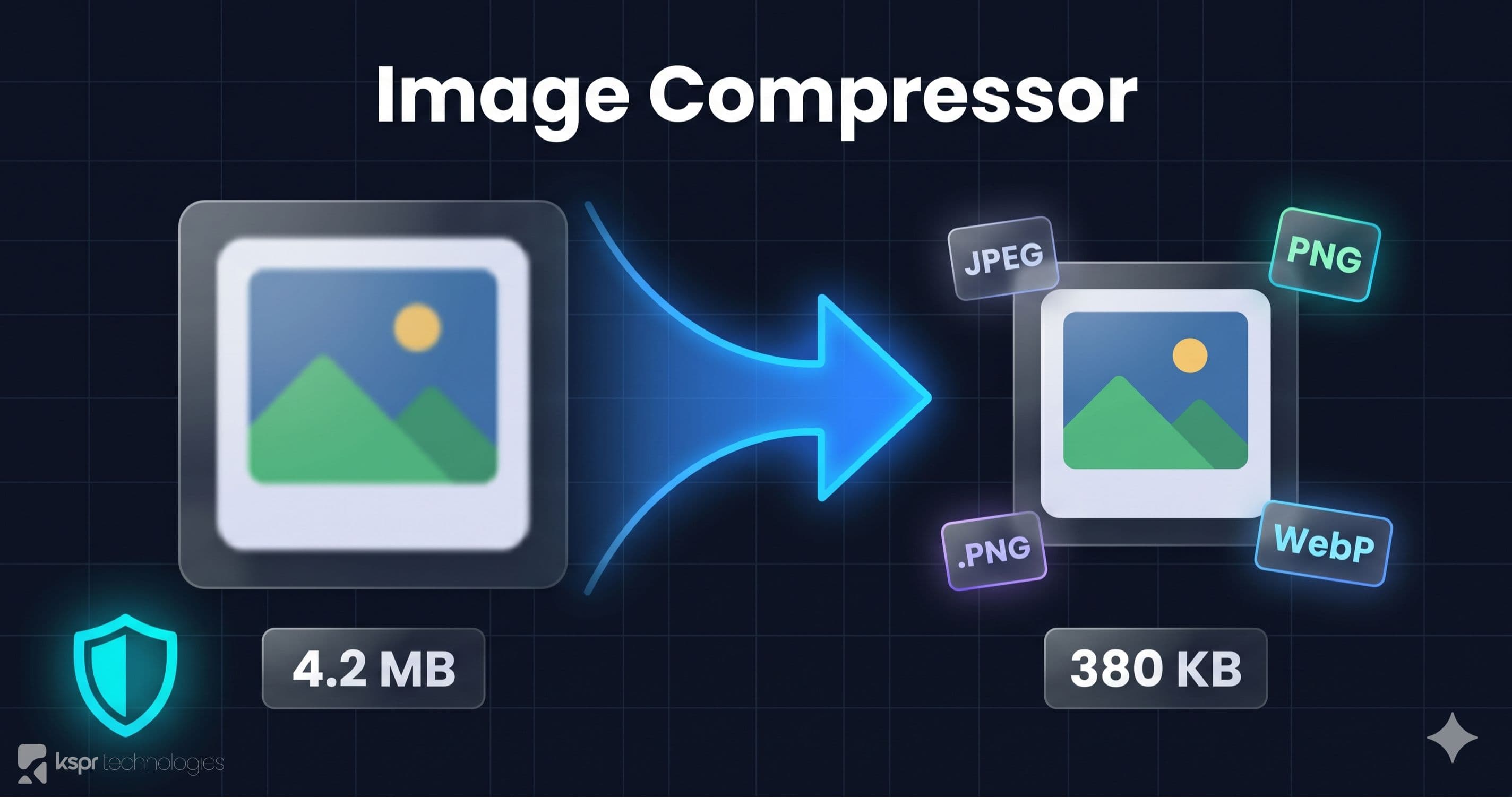
Large images slow down websites, eat up storage, and bloat email attachments. But most image compression tools either require desktop software or upload your files to a remote server. Our browser-based Image Compressor handles everything locally. Your images never leave your device.
Why Image Compression Matters
A single photo from a modern smartphone is 3-8 MB. A DSLR raw export can easily hit 20 MB. If you're building a website, sending images via email, or uploading to a CMS, those file sizes add up fast:
- Page load speed. Images are typically the heaviest assets on a web page. Compressing them can cut load times by 50% or more.
- SEO ranking. Google Core Web Vitals penalize slow pages. Optimized images directly improve your Largest Contentful Paint (LCP) score.
- Bandwidth costs. For sites with significant traffic, serving uncompressed images can cost hundreds of dollars per month in bandwidth.
- Storage limits. CMS platforms, email services, and cloud storage all have size limits. Compression keeps you within quotas.
How Our Compressor Works
The entire compression pipeline runs in your browser using the Canvas API and optimized encoding algorithms. Here's what happens when you upload an image:
- The image is loaded into a browser Canvas element
- It's re-encoded at your chosen quality level (1-100) in the target format
- If you specified max dimensions, the image is resized proportionally
- The compressed output is available for download immediately
No server is involved at any step. Your images stay on your machine.
Features
Quality Slider
Fine-tune the compression level with a quality slider from 1 to 100. Most images look virtually identical at 80% quality but are 60-70% smaller. The tool shows you the exact file size before and after so you can find the sweet spot for your needs.
Format Conversion
Convert between three formats:
- JPEG is best for photographs and complex images. Excellent compression ratios.
- PNG is best for graphics with sharp edges, text, transparency, and icons.
- WebP is a modern format with superior compression. Supported by all modern browsers. Often 25-35% smaller than JPEG at equivalent quality.
Resize by Max Dimensions
Set a maximum width or height and the image is resized proportionally. This is essential for web use. There's no reason to serve a 4000px-wide image to a user on a 1920px screen.
Batch Processing
Upload multiple images at once. Each is compressed with your chosen settings. Download them individually or grab everything as a single ZIP file (no need to compress one at a time).
Side-by-Side Comparison
Toggle the comparison view to see the original and compressed images side by side. Zoom in to verify that quality is acceptable before downloading. The file sizes for both versions are displayed so you know exactly how much space you're saving.
Privacy First
We take a hard stance on privacy. Your images are processed entirely in your browser using the Canvas API. We don't upload them, we don't store them, and we don't have access to them. This makes our tool safe for:
- Medical images and patient data
- Legal documents and contracts
- Private photos
- Proprietary product images
- Any content you wouldn't want on someone else's server
Typical Results
Here's what you can typically expect when compressing at 80% quality:
- JPEG photos: 60-70% file size reduction with no visible quality loss
- PNG graphics: 30-50% reduction (higher if converting to WebP)
- JPEG → WebP: additional 25-35% savings on top of quality compression
Common Use Cases
- Website owners optimize images before uploading to improve page speed and SEO scores
- Bloggers & content creators compress images for WordPress, Ghost, Medium, or other CMS platforms
- E-commerce sellers optimize product images for faster page loads, better mobile experience, and higher conversion
- Social media managers resize and compress images for Instagram, Facebook, LinkedIn, and Twitter without losing quality
- Email marketers keep email size under provider limits while maintaining image quality
- Teachers & students compress images for presentations, assignments, and online course materials
- Real estate agents optimize property photos for MLS listings and websites
- Freelancers & designers deliver optimized assets to clients without expensive software
Start Compressing
Open the Image Compressor, drop your images, adjust the quality slider, and download the optimized files. It's free, private, and works with any modern browser.