Free QR Code Generator: Custom Colors, Multiple Formats, No Signup
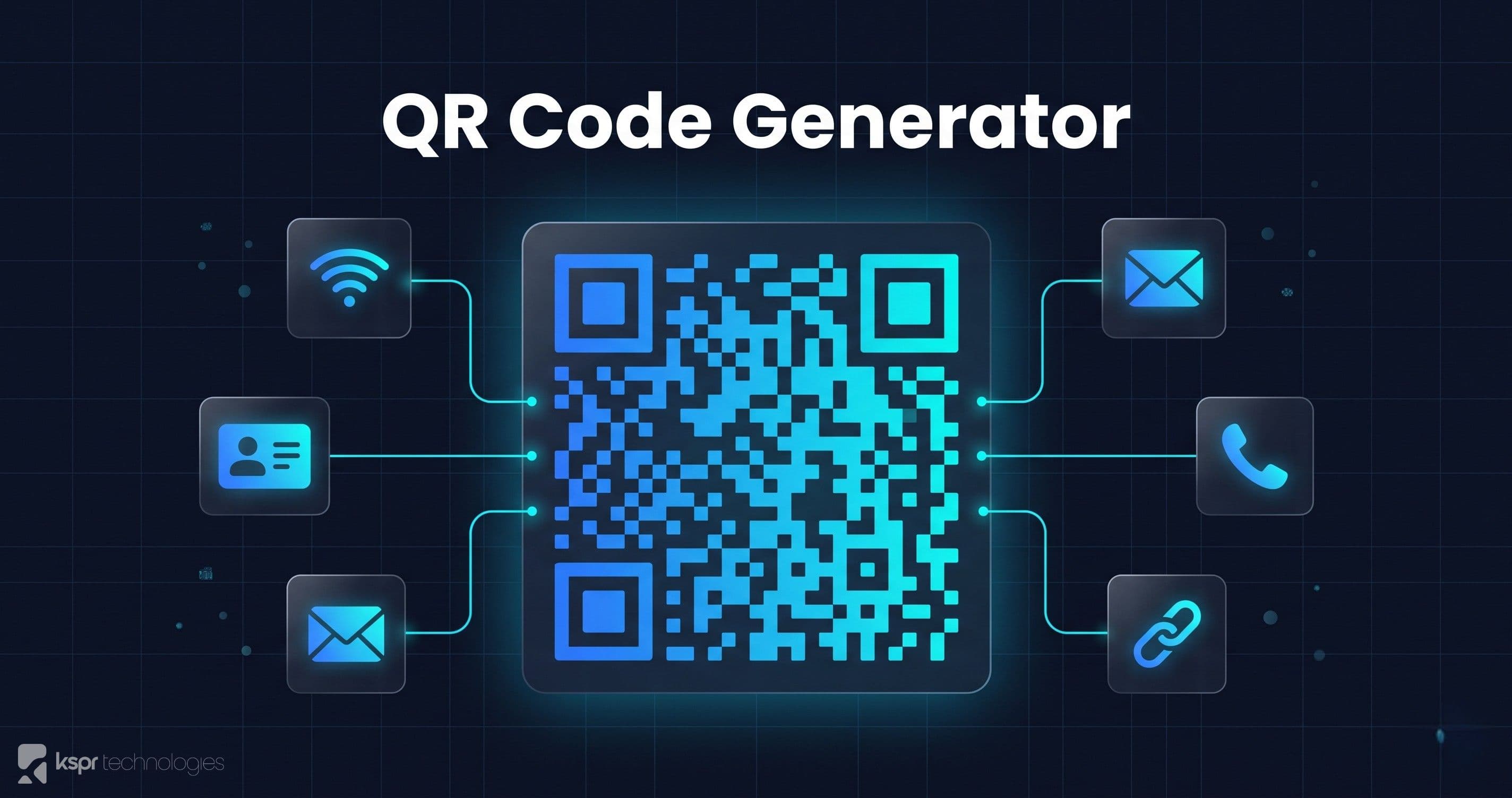
QR codes are everywhere: restaurant menus, event tickets, business cards, Wi-Fi sharing, app downloads. But most QR code generators either require signup, slap a watermark on your output, or upload your data to their servers. Our free QR Code Generator runs entirely in your browser, so what you encode is never transmitted.
What Can You Encode?
Our generator supports six data types, each with a tailored input form:
URLs
The most common use case. Enter any URL and the QR code is generated instantly. Great for linking to your website, a specific landing page, a product listing, or a social media profile.
Plain Text
Encode any text message up to the QR capacity limit. Useful for serial numbers, short instructions, or embedding metadata that devices can scan.
Pre-fill the recipient address, subject line, and body. When scanned, the user's email client opens with everything filled in. Perfect for feedback forms on physical products or event materials.
Phone Number
Encode a phone number with the tel: protocol. Scanning initiates a call or adds the number to contacts, depending on the device.
Wi-Fi Credentials
Generate a QR code that automatically connects the scanner to your Wi-Fi network. Specify the SSID, password, and encryption type (WPA/WPA2, WEP, or open). Ideal for offices, Airbnbs, coffee shops, and events. No more spelling out passwords.
vCard Contact
Encode a digital business card with name, phone, email, organization, title, and website. When scanned, the contact is added directly to the phone's address book. A modern alternative to paper business cards.
Customization Options
Colors
Customize the foreground and background colors to match your brand. The color picker supports any hex value. The tool automatically warns you if your color combination has low contrast, which could make the QR code unscannable.
Size
Adjust the output size from 128×128 pixels up to 1024×1024 pixels. Smaller sizes work for digital screens; larger sizes are better for print materials.
Error Correction
Choose from four error correction levels: Low (7%), Medium (15%), Quartile (25%), and High (30%). Higher levels make the QR code more resilient to damage or partial obstruction but increase density. Use High if the code will be printed on materials that might get scratched or folded.
Download Formats
- PNG is a raster format, ideal for web use and presentations
- SVG is a vector format, perfect for print and scaling to any size without quality loss
- JPEG is compressed raster, useful when file size matters
Privacy Matters
Every QR code is generated locally in your browser using JavaScript. Your URLs, Wi-Fi passwords, contact details, and other data are never sent to any server, and we never log or analyze what you encode. There's no account and no usage tracking tied to your content.
Two things worth knowing. The site itself uses Google Analytics for page-level statistics, which sets a cookie — it records that the tool page was visited, never what you typed into it. And so you don't lose your work on a refresh, the generator saves your last input to your browser's local storage. That never leaves your device, but it does include Wi-Fi passwords and contact details, so clear it if you're on a shared computer.
Real-World Use Cases
- Small businesses & restaurants: add QR codes to business cards, flyers, menus, and storefronts linking to your website, menu, or online ordering
- Event organizers: share Wi-Fi credentials, event schedules, and registration links via printed QR codes
- Teachers & educators: link students to resources, quizzes, videos, or class materials with a quick scan
- Property managers & Airbnb hosts: encode Wi-Fi credentials for guests at rental properties. No more writing passwords on sticky notes
- Freelancers & consultants: create vCard QR codes for networking events and conferences
- Nonprofits & churches: link to donation pages, event signups, or newsletters from printed materials
- E-commerce & packaging: add product info, manuals, or warranty registration links to packaging
- Marketers: embed tracking URLs in QR codes for print campaigns, posters, and direct mail
Generate Your QR Code
Open the QR Code Generator, choose your data type, customize the look, and download in your preferred format. No signup, no watermark, no strings attached.