JSON Craft: The All-in-One JSON Editor with AI Error Fixing & Key Path Generator
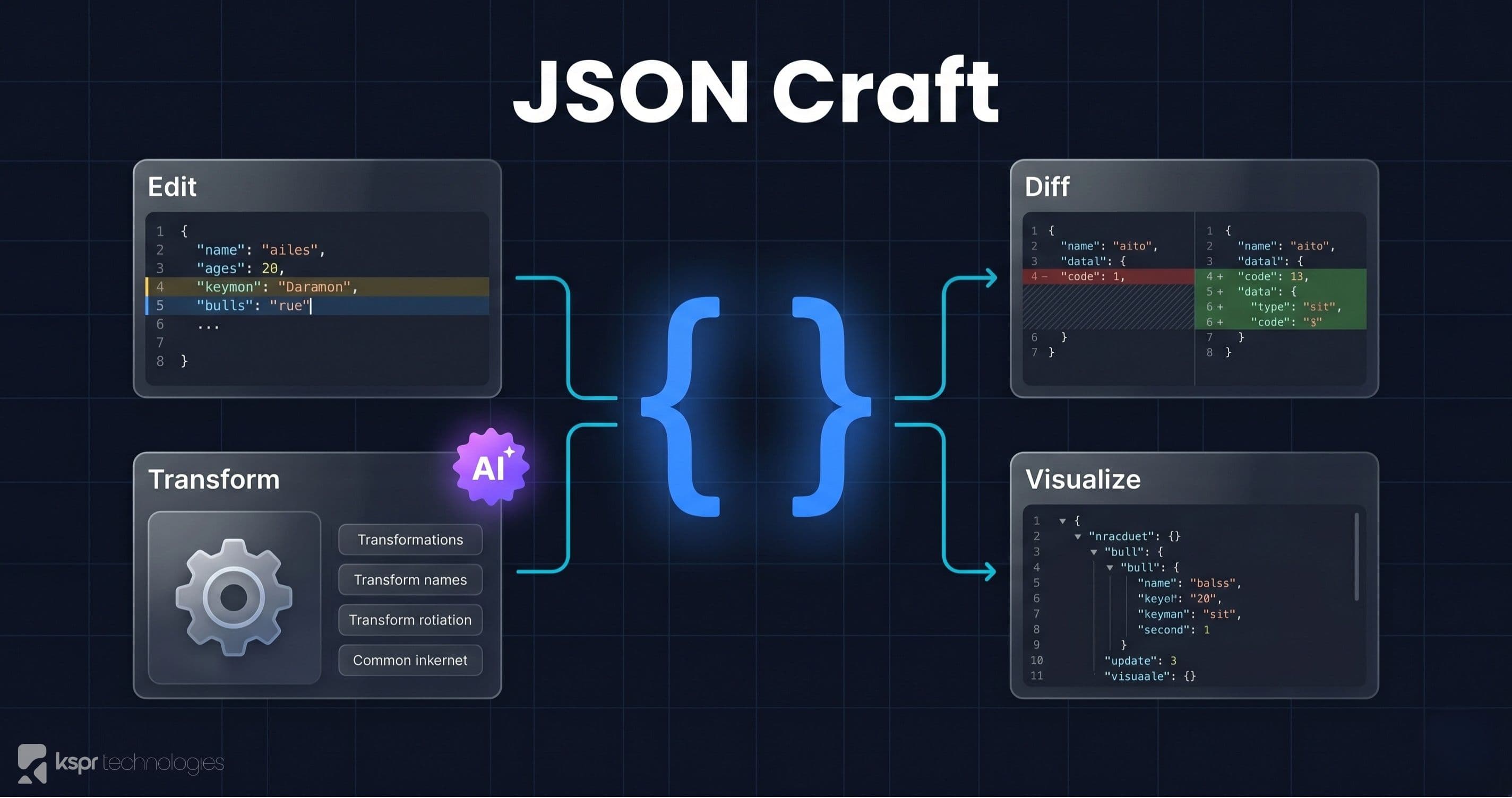
If you work with APIs, configuration files, or data pipelines, you handle JSON every day. Most online JSON tools do one thing. They either format or validate. JSON Craft does everything: edit, validate, diff, transform, and visualize, plus features you won't find anywhere else, like AI-powered error fixing and instant key path generation in 8 programming languages.
The Problem with Existing JSON Tools
As developers, we've all been there: you get a massive JSON response from an API, and you need to find a deeply nested field, fix a syntax error, compare two versions, or reshape the data. The typical workflow involves bouncing between 4-5 different websites, one for formatting, another for diffing, another for tree visualization. Each tool has different UX, ads plastered everywhere, and some even upload your data to their servers.
We built JSON Craft to replace that entire workflow with a single, polished, privacy-first tool.
Standout Features
1. Click-to-Copy Key Paths in 8 Languages
This is the feature that sets JSON Craft apart. Click any key in the tree view and instantly copy the access path for that field in JavaScript, Python, Java, C#, Ruby, PHP, Go, or Swift. No more manually constructing data["users"][0]["address"]["city"]. Just click and paste.
This saves a surprising amount of time when integrating API responses or writing data extraction scripts. We've seen developers shave minutes off their workflow per session.
2. AI-Powered Error Fixing
Paste broken JSON (trailing commas, missing quotes, single quotes instead of double) and hit the AI Fix button. This is the one feature that leaves your browser: your JSON is sent to DeepSeek, a third-party AI provider, which returns the repaired version. It handles the common mistakes that trip up JSON.parse():
- Trailing commas after the last element
- Single-quoted strings
- Missing closing brackets or braces
- Unquoted keys
- Comments in JSON (which are technically invalid)
3. Visual JSON Diff
Paste two JSON objects side by side and see exactly what changed. Additions are highlighted in green, removals in red, and modifications in yellow. The diff is structural, not text-based, so reordering keys doesn't produce false positives.
This is invaluable for debugging API changes, comparing config files between environments, or reviewing data migrations.
4. Transform Operations
Reshape JSON without writing code:
- Filter extracts only the fields you need from arrays of objects
- Sort orders arrays by any field, ascending or descending
- Flatten converts nested structures to flat key-value pairs
- Case convert switches between camelCase, snake_case, PascalCase, and kebab-case
5. Interactive Visualization
View your JSON as an interactive tree, a formatted table, or even a chart. The tree view supports collapse/expand at every level, making it easy to navigate deeply nested structures. The table view is perfect for arrays of objects. It renders them as a spreadsheet-like grid.
6. JSONPath Search
Use JSONPath expressions to query your data. Search for specific patterns, filter arrays, and extract nested values, all with a live results panel that updates as you type.
Privacy & Performance
Every feature except one runs entirely in your browser: editing, validating, diffing, transforming, visualizing, and JSONPath search all happen on your device, and that data is never sent anywhere.
Fix with AI is the exception.When you click it, your JSON is sent over HTTPS to DeepSeek, a third-party AI provider, which returns the repaired version. We don't log or store your input, but it does leave your device. Don't use Fix with AI on API keys, access tokens, credentials, or personal data. Every other tab is safe for that content, and the AI button is the only thing that transmits anything.
Performance holds up well on typical payloads. Very large documents (multiple megabytes) re-parse on every keystroke and will feel sluggish, since the editor renders the full tree rather than virtualizing it.
Who Is JSON Craft For?
- Anyone working with APIs: inspect, format, or extract data from JSON responses without writing code
- Content managers & marketers: format and validate JSON configuration files for CMS platforms, analytics tools, and ad platforms
- Developers & engineers: debug config files, compare environments, or generate access paths in 8 languages
- Data analysts: transform and reshape JSON datasets without writing scripts
- QA teams: compare API responses between test and production with visual diffing
- Students & learners: explore JSON structure through interactive tree and table views
- No-code builders: validate and fix JSON for automation platforms like Zapier, Make, or n8n
How It Compares
Most online JSON tools focus on one task. JSONLint validates. JSON Formatter formats. JSON Diff compares. JSON Crack visualizes. JSON Craft combines all of these into a single, tabbed interface, plus the key path generator and AI fixer that nobody else offers.
Try It Now
Open JSON Craft and paste your JSON. Click any key to copy its path, fix errors with AI, diff two objects, or transform data. All free, all in your browser.