Snapdrop Was Ruined by LimeWire: So We Built a Free Replacement
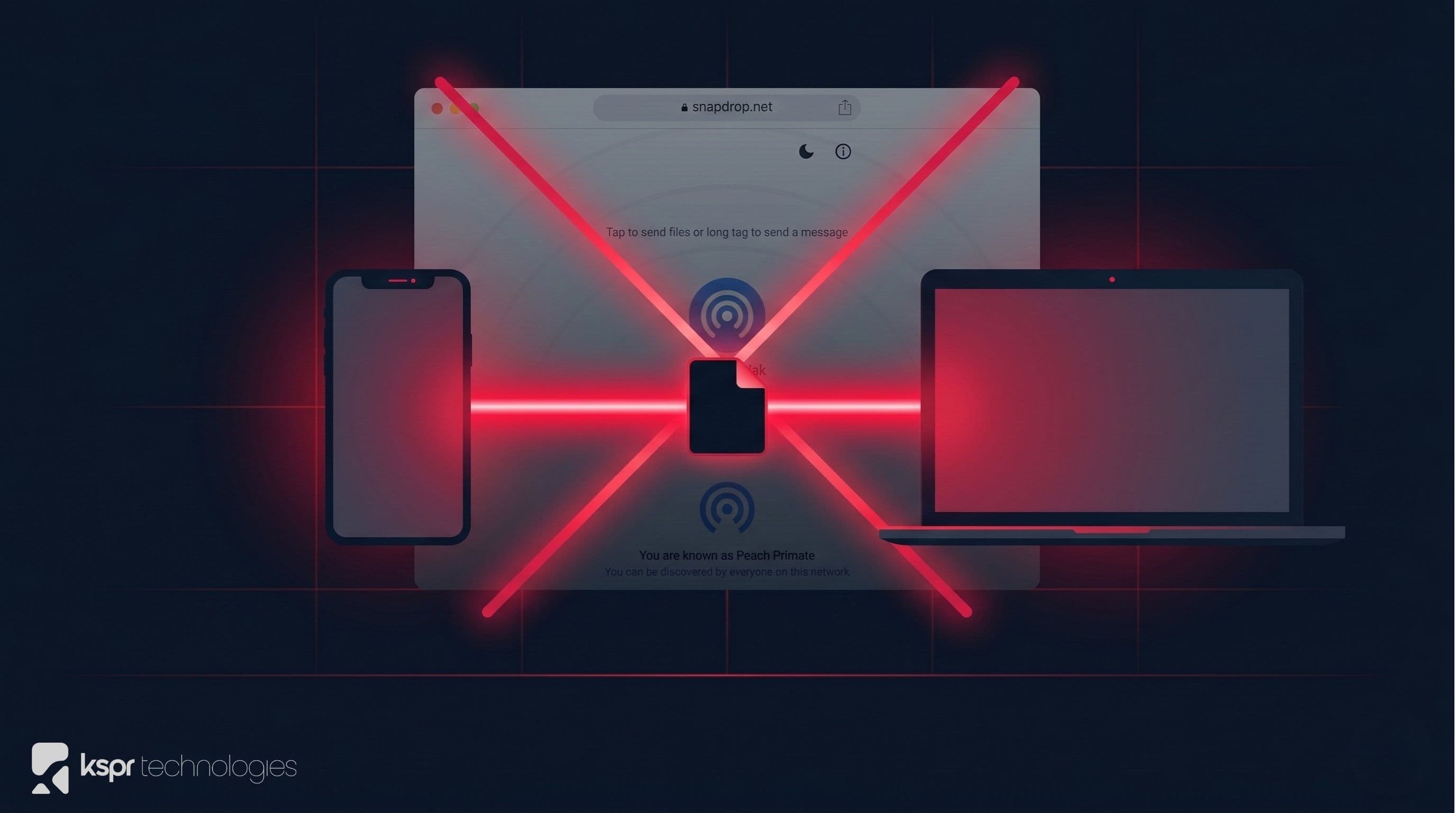
If you've tried to use Snapdrop recently, you were probably confused. The simple, beloved peer-to-peer file sharing tool, often called "AirDrop for the web", now redirects to LimeWire, a cloud storage service pushing paid plans and cryptocurrency. The tool that millions relied on for instant, private, local file transfers is gone. We built File Drop to fill that gap: a free, browser-based file sharing tool that works the way Snapdrop was supposed to.
What Happened to Snapdrop?
Snapdrop was created by Robin Linus as an open-source, browser-based alternative to Apple's AirDrop. It used WebRTC to transfer files directly between devices on the same network. No accounts, no cloud uploads, no file size limits. You opened the site on two devices, and they found each other automatically. It was elegant and it just worked.
In early 2025, LimeWire (the company that bought the old P2P brand's intellectual property and pivoted it into NFTs and generative AI) acquired snapdrop.net along with sharedrop.io, file.io, and filetransfer.io.
The change was immediate and brutal:
- snapdrop.net now redirects to LimeWire's cloud service: files are uploaded to their servers instead of staying on your local network
- No warning was given to users: people continued using the URL thinking it was still peer-to-peer, unknowingly sending sensitive files to LimeWire's cloud
- Paid plans and crypto promotions replaced simplicity: the free, no-signup experience was replaced with account prompts, storage limits, and AI tool upsells
- The source code was abandoned: while the GitHub repo remains, LimeWire stopped providing source code for the new site
The developer community's reaction was swift. GitHub issues titled "LimeWire has RUINED Snapdrop" and "Robin, you sold your integrity" accumulated hundreds of upvotes. Users reported opening Snapdrop and thinking they'd landed on a phishing site. The Snapdrop Android app maintainer officially switched to recommending PairDrop, warning users that "files now seem to be uploaded to the cloud instead of staying on the local network."
Why "Just Use PairDrop" Isn't Enough
PairDrop is the most popular open-source fork of Snapdrop, and it's a solid project. But it still requires either using a public instance (trusting someone else's server for signaling) or self-hosting your own. For most people who just want to send a file from their phone to their laptop, that's still more friction than necessary.
We wanted something that was genuinely zero-friction: open a URL on both devices, see each other, drop files. No installs, no accounts, no self-hosting.
How File Drop Works
File Drop uses WebRTC for direct peer-to-peer connections between your devices. Here's the flow:
- Open File Drop on two or more devices connected to the same network
- Devices discover each other automatically via our lightweight signaling server, which only exchanges connection metadata, never your files
- A direct WebRTC data channel is established between the devices
- Files and text messages travel directly between devices and never touch our servers
The signaling server only knows that two devices on the same IP want to connect. Once the WebRTC handshake completes, all data flows peer-to-peer. Your files stay on your network.
Features
Instant Device Discovery
Each device gets a friendly auto-generated name (like "Swift Falcon" or "Bold Tiger") so you can identify your devices at a glance. The network view shows all available devices with their connection status in real time. Desktop, mobile, and tablet devices are automatically detected and shown with appropriate icons.
Drag-and-Drop File Transfer
Select a device, then drag files onto the drop zone, or tap to browse. Files transfer immediately over the direct WebRTC connection. There are no file size limits imposed by us; the only constraint is your available memory since files are buffered in the browser.
Text Messages
Need to send a URL, a code snippet, or a quick note between devices? File Drop includes a built-in text messaging panel. Messages are sent over the same encrypted WebRTC data channel as files.
Transfer Progress
Every file transfer shows real-time progress with file name, size, and percentage. Completed transfers are available for immediate download on the receiving device.
Works on Any Device
File Drop runs in any modern browser. Send files between:
- iPhone and Windows PC
- Android phone and MacBook
- Two laptops on the same Wi-Fi
- Tablet and desktop
- Any combination: if it has a browser, it works
Privacy: No Cloud, No Compromise
This is the fundamental difference between File Drop and what Snapdrop became. Your files are never uploaded to any server. The entire transfer happens over a direct WebRTC connection between your devices. Our server's only role is helping your devices find each other. Once connected, we're out of the picture.
This makes File Drop safe for transferring:
- Confidential work documents
- Personal photos and videos
- Medical records and legal files
- API keys, passwords, and credentials
- Anything you wouldn't want sitting on someone else's cloud
File Drop vs. Snapdrop (LimeWire) vs. PairDrop
| Feature | File Drop | Snapdrop (now LimeWire) | PairDrop |
|---|---|---|---|
| Peer-to-peer transfer | Yes | No (cloud upload) | Yes |
| No account required | Yes | No | Yes |
| Files stay on your network | Yes | No | Yes |
| No self-hosting needed | Yes | Yes | Public instance or self-host |
| Text messaging | Yes | No | Yes |
| Free forever | Yes | Freemium ($10/mo) | Yes (open source) |
| No ads or crypto | Yes | No | Yes |
Common Use Cases
- Phone to laptop: transfer photos, screenshots, or downloads from your phone to your computer without cables or cloud apps
- Quick sharing in meetings: share a file with a colleague sitting across the table without email or Slack
- Cross-platform transfers: move files between iOS, Android, Windows, macOS, and Linux without any app installs
- Sending passwords or keys: share sensitive text securely over a direct connection instead of pasting it into a chat app
- Working from a café or coworking space: transfer files between your own devices on shared Wi-Fi without trusting a third-party cloud
Start Sharing
Open File Drop on two devices, wait for them to discover each other, and drop your files. No signup, no download, no cloud. Just fast, private, peer-to-peer file sharing, the way it should be.